Table of contents
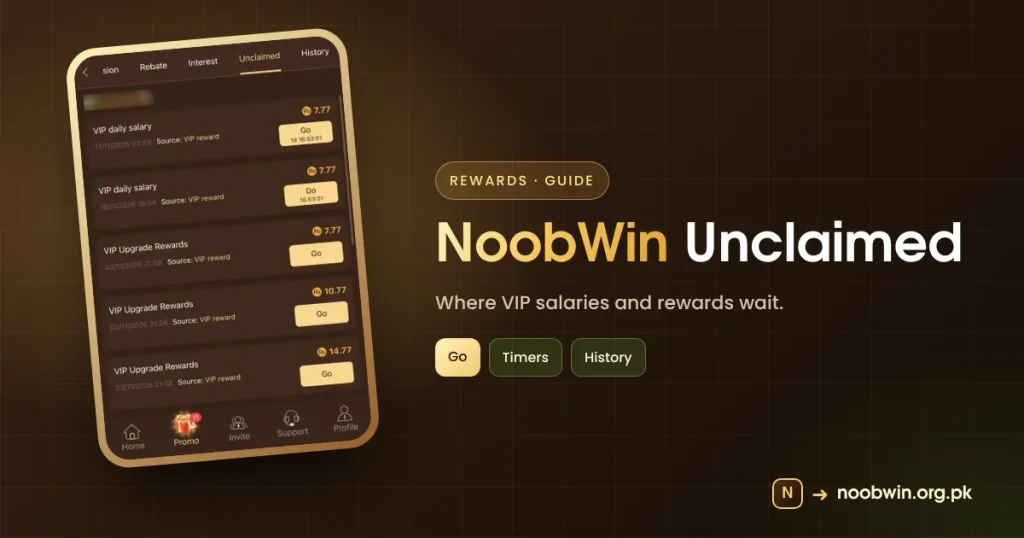
The NoobWin unclaimed tab is where earned rewards wait. This guide explains the list, the Go buttons and timers, and how it connects to History and the Reward today popup.
What NoobWin Unclaimed Shows
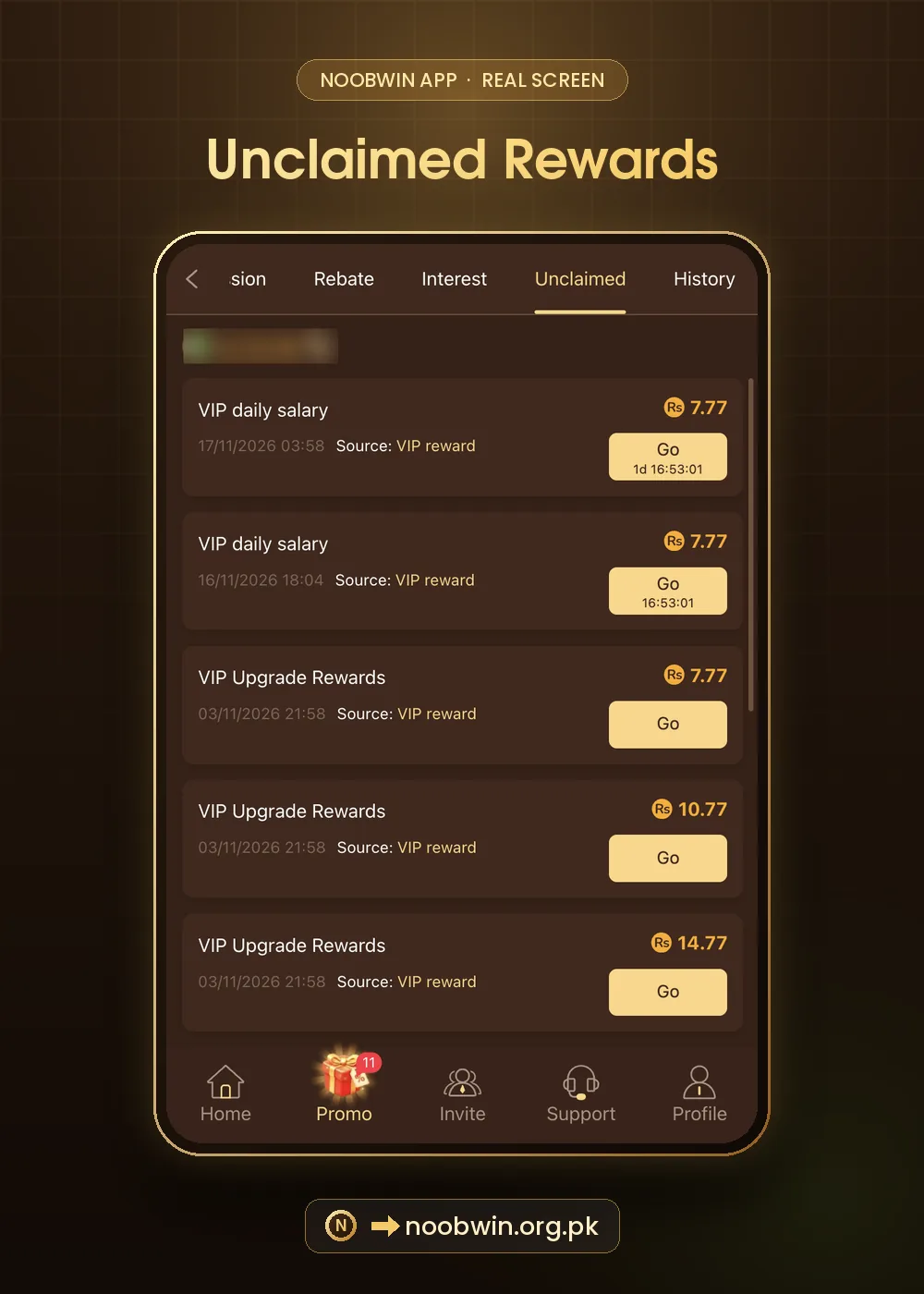
| Reward | Amount seen | Source |
|---|---|---|
| VIP daily salary | 7.77 | VIP reward |
| VIP upgrade rewards | 7.77, 10.77, 14.77 | VIP reward |
Each line has a date, a source and a Go button. Some Go buttons show a countdown such as “1d 16:53:01”, meaning they can be claimed after that time.
The Reward Today Popup
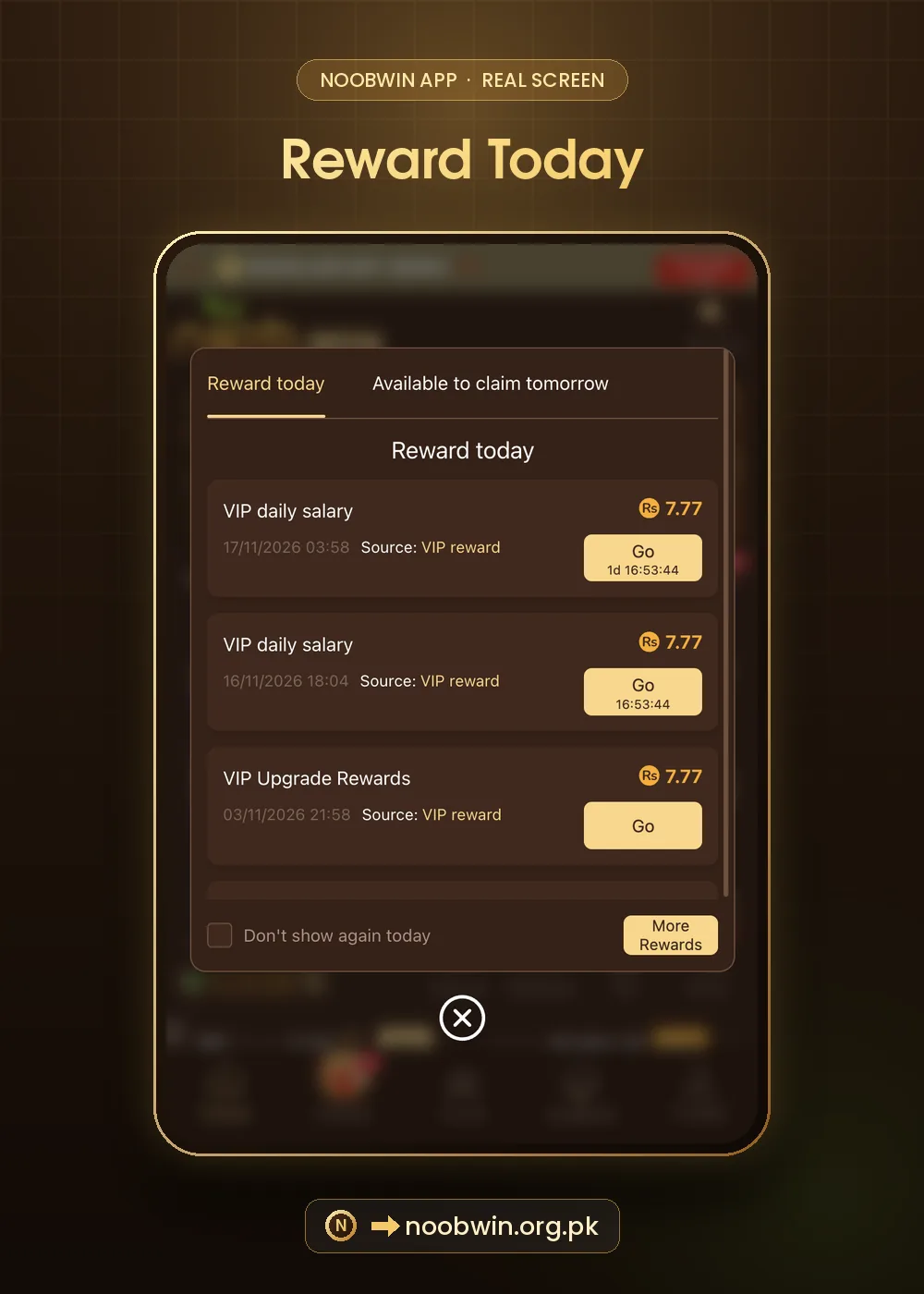
A popup lists the same rewards in two tabs: Reward today and Available to claim tomorrow, with a More Rewards button.
How to Collect NoobWin Unclaimed Rewards
- Open Promo → Unclaimed.
- Tap Go on each ready line.
- Wait for timers on the rest.
- Check History for confirmation.
Glossary
| Term | Plain meaning |
|---|---|
| Go | Collect the reward |
| Countdown | Time until it can be claimed |
| History | Past claimed rewards |
Quick Checklist
- Unclaimed checked daily if you play.
- Timers noted.
- History matches.
If something is missing, tap Refresh rewards in Event or use Reward Feedback in the Message Center. See support guide.
Unclaimed vs History
| Tab | Shows |
|---|---|
| Unclaimed | Rewards waiting to be collected |
| History | Rewards and commissions already claimed |
| Reward today popup | A quick view of today and tomorrow |
Step by Step: A Daily Unclaimed Check
- Open Promo → Unclaimed.
- Collect every line with an active Go button.
- Note the countdown on the others.
- Check History to confirm totals.
Mistakes With NoobWin Unclaimed
- Letting rewards expire.
- Assuming a countdown means the reward is lost.
- Not reporting a missing reward through Reward Feedback.
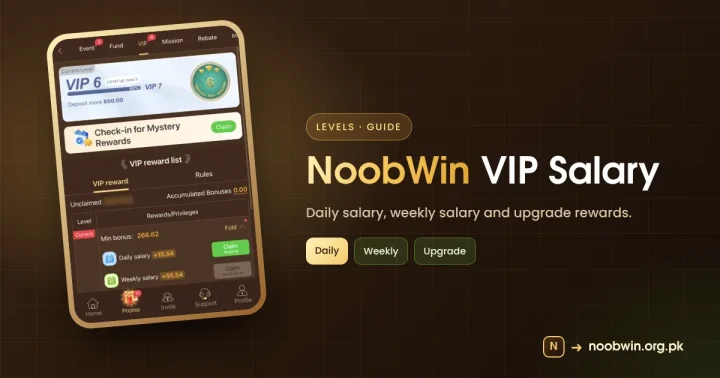
VIP daily salaries arrive regularly, so a quick daily or weekly visit keeps everything collected. Upgrade rewards like 7.77, 10.77 and 14.77 appear when your level changes.
The Short Version
NoobWin unclaimed is your reward inbox. Collect ready items, note timers, and check History to confirm what you received.
Questions Players Ask Us
Why do some NoobWin rewards say “1d 16:53:01”?
That is the time until the reward becomes claimable. Come back after the countdown.
A reward disappeared. What now?
Check History first; it may already be claimed. If not, use Reward Feedback in the Message Center with a screenshot.
Is my balance shown on the Unclaimed page?
Yes, at the top. We blurred ours in the screenshot for privacy.
If a reward seems wrong, our support guide explains what to send. Help: Gamblers Anonymous.
Our Verdict
Unclaimed is the most useful screen for everyday NoobWin players because it gathers salaries and upgrades in one place. A quick visit every few days is enough. Pair it with History to confirm what you received and you will rarely miss a reward.
Related NoobWin Guides
- VIP salary guide: read next if this topic matters to you.
- Customer support: read next if this topic matters to you.
- Redeem codes: read next if this topic matters to you.
- NoobWin bonus overview: read next if this topic matters to you.
NoobWin Unclaimed FAQ
Why can’t I claim a NoobWin reward yet?
Its timer has not finished.
Do unclaimed rewards expire?
Some may; collect them when ready.